Place your order on our website. Confirm via WhatsApp for quick processing. Chat with our sales team before payment. Once processed, collect your order at A-sashi Wangsa Walk Mall.
Same Day Delivery
Contact our sales team via WhatsApp for pricing and stock availability. Provide delivery details (Klang Valley only) for fee check. Make payment via instant transfer : Maybank (5640-6143-6810). Send proof of payment, and we’ll arrange delivery via Lalamove.
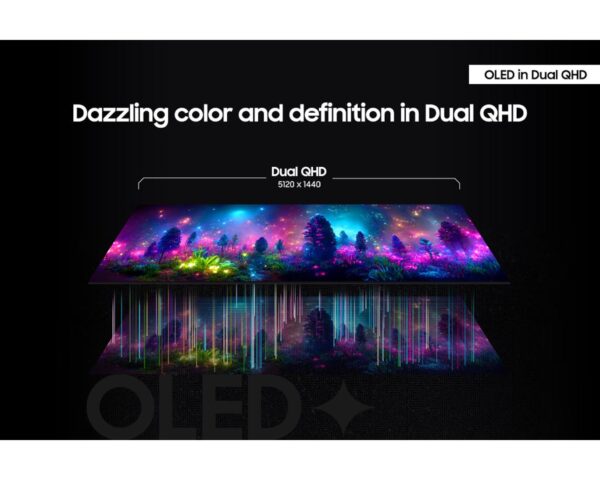
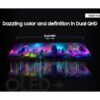
Detailed OLED worlds live on a wider, vibrant screen
OLED in Dual QHD
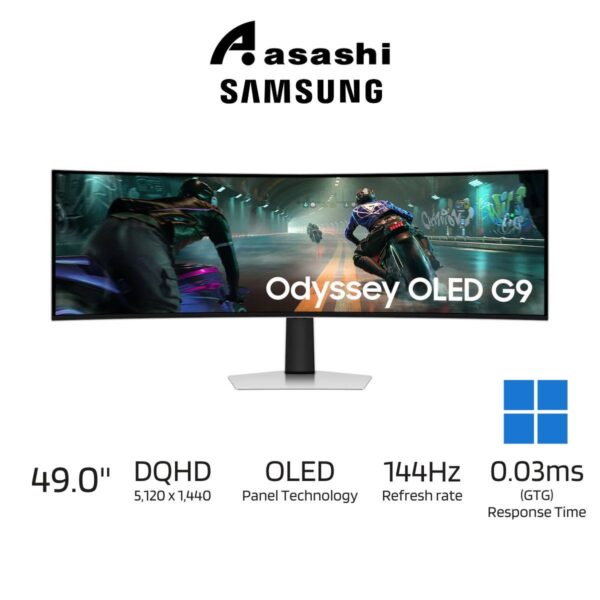
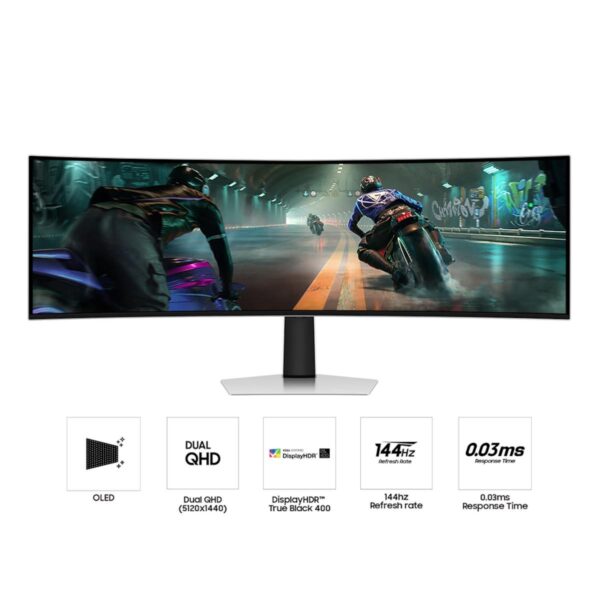
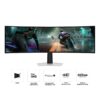
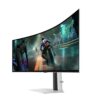
With OLED technology, enjoy a wider color spectrum and vibrant images that captivate you and take gaming to new heights. Content springs to life on a Dual QHD (5120 x 1440) resolution screen for unparalleled clarity and precision.
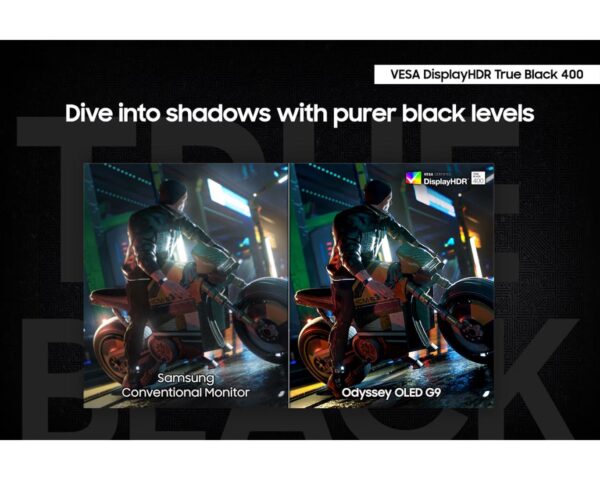
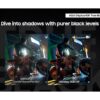
Dive into shadows with purer black levels
VESA DisplayHDR True Black 400
Experience true blacks and vibrant colors with no unwanted light leaking across the screen, delivering unmatched depth and clarity in every game.
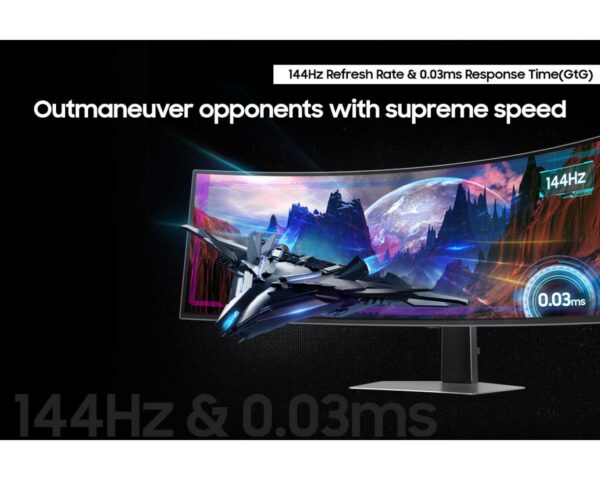
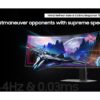
Outmaneuver opponents with supreme speed
144Hz Refresh Rate & 0.03ms Response Time
OLED technology delivers near-instant reaction times with a 0.03ms response time, paired with a 144Hz refresh rate for ultra-smooth and exhilarating gameplay.
* Based on GtG measured under internal test conditions. Results may vary by content and monitor settings.* GtG (Gray to Gray) measures the time taken for a monitor pixel to change from one gray value to another.* Refresh rate and response time may vary based on the performance of the input source.
Immerse in smooth action without disruption
AMD FreeSync Premium Pro
Hyper action made seamless. Variable refresh rate (VRR) support with AMD FreeSync Premium Pro keeps the GPU and panel synced up to reduce choppiness, screen-lag, and image tears. Fast-action and complex game scenes are stable with less-stuttering for your competitive edge.
* Screen images are simulated for illustrative purposes.
Win with a wider view and more pixels per inch
32:9 ratio & 110 PPI
Don't sacrifice detail, even with a larger screen. With a wide 32:9 screen in Dual QHD resolution and 110 pixels per inch, you get the level of clarity you need to pick up on the small, but significant, details across the 49" screen.
* Screen images are simulated for illustrative purposes.
Samsung OLED Safeguard
Stay cool with automatic brightness control
Thermal Modulation System
Algorithms predict surface temperature and automatically control brightness accordingly to reduce heat.
* When the 'Adjust Logo Brightness' setting is set to 'Off' or 'Low', Thermal Modulation is active only in certain picture modes.* When the 'Adjust Logo Brightness' setting is set to 'High', Thermal Modulation is always active.
Adaptive brightness on fixed images
Logo and taskbar detection
The brightness on static images, like logos and taskbars, is automatically reduced to prevent burn-in.
* Logo detection is not available in PC mode.
Automatic dimming during gaming breaks
Screen Saver
The screen dims itself after 10 minutes of inactivity, and comes back to regular brightness with any input.
* Screen images are simulated for illustrative purposes.
Your Station Your Way
Connect more to enjoy more
Versatile connectivity
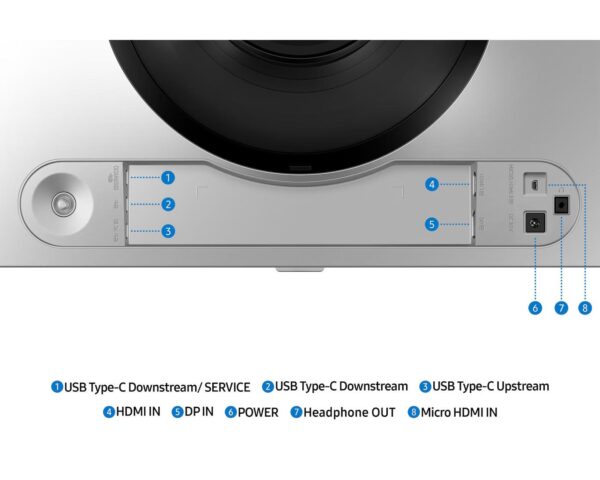
Access a variety of input options with HDMI 2.1, Micro HDMI, DisplayPort, USB-C Upstream and Downstream ports. Connect your favorite devices seamlessly, reduce cable clutter and elevate your gaming experience.
Seamless Multitasking with a sub-screen
Picture-in-Picture
The Picture-in-Picture feature eliminates the need for a second monitor by giving you a sub-screen that's perfect for multitasking. Pull up chat windows, gaming tips, or any other content without taking your eyes off your main screen.
Together side-by-side in one screen
Picture-by-Picture
Use your screen to its maximum potential, and team up with friends in a whole new way. Picture-by-Picture splits the screen in half, using two inputs at their native resolution.
Cutting-Edge Design
Extend winning streaks in comfort
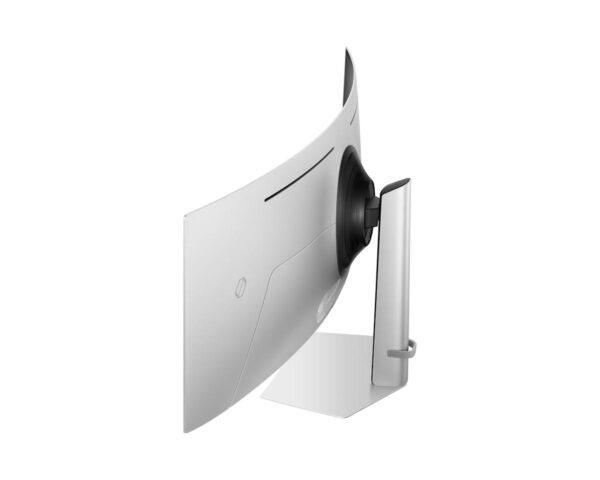
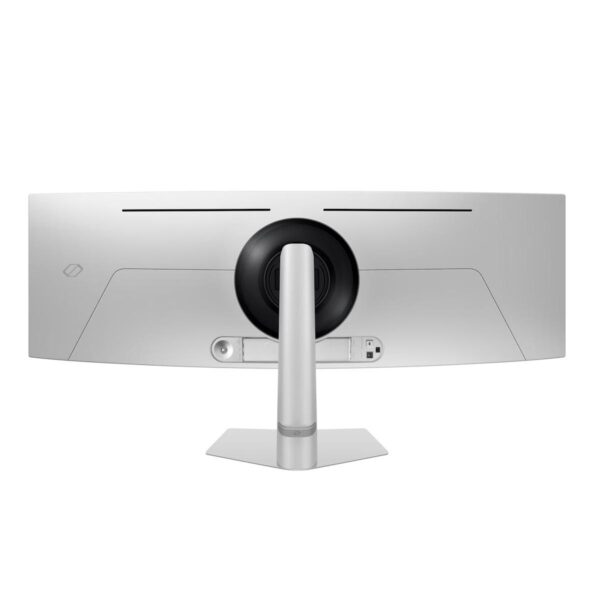
Ergonomic Stand
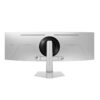
Reach the height of winning. Tilt and adjust your monitor until all enemies are in perfect view. Your display can be moved freely so you can find total gaming comfort.
Stunning in any space
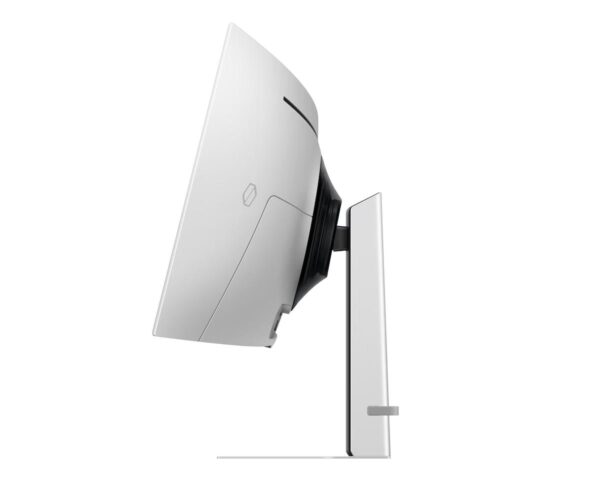
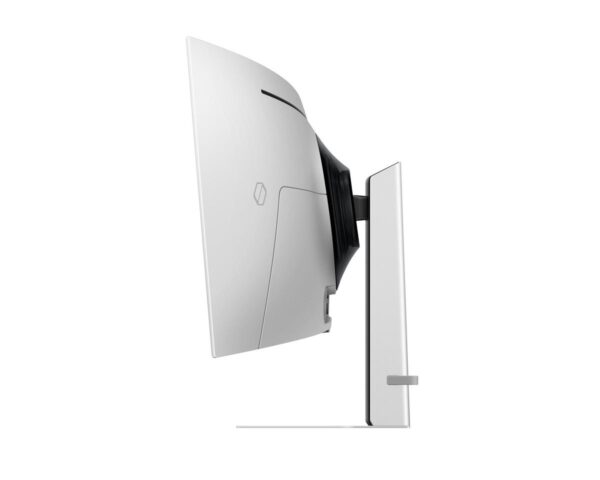
Slim Metal Design
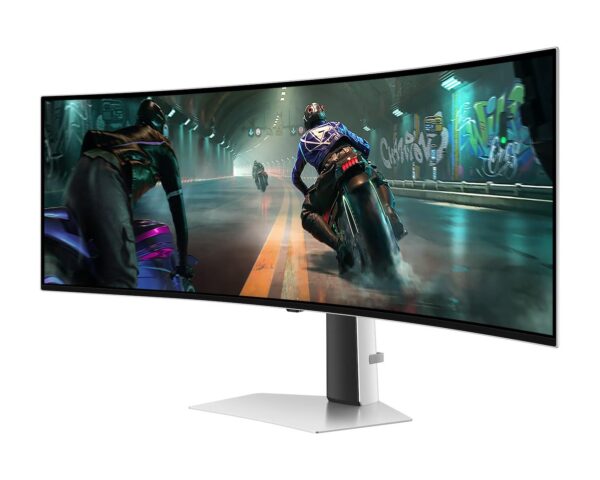
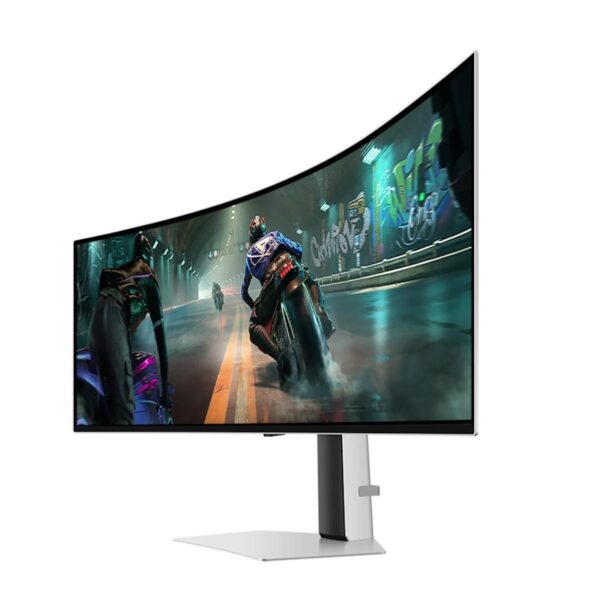
Upgrade your gaming station with razor-sharp design. Featuring a premium and modern metal finish, Odyssey OLED's unmatched design will suit your stylish sense.
Specifications
Overview
Resolution: DQHD (5,120 x 1,440) Aspect Ratio: 32:9 Screen Curvature: 1800R Brightness (Typical): 250cd/㎡ Contrast Ratio Static: 1,000,000:1 Response Time: 0.03ms(GTG) Refresh Rate: Max 144Hz Viewing Angle (H/V): 178˚/178˚
Display
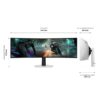
Screen Size (Class): 49 Flat / Curved: Curved Active Display Size (HxV) (mm): 1,196.7×339.2 Screen Curvature: 1800R Aspect Ratio: 32:9 Panel Type: OLED Burn-In cover in warranty: Burn-in at normal usage covered within warranty.(But, not covered for Commercial, abuse or mis-use) Brightness (Typical): 250 cd/㎡ Brightness (Min): 200 cd/㎡ Contrast Ratio Static: 1,000,000:1 HDR(High Dynamic Range): VESA DisplayHDR True Black 400 HDR10+: HDR10+ Gaming Resolution: DQHD (5,120 x 1,440) Response Time: 0.03ms(GTG) Viewing Angle (H/V): 178˚/178˚ Color Support: Max 1B Color Gamut (DCI Coverage): 99% (CIE1976) Refresh Rate: Max 144Hz
General Feature
Eye Saver Mode: Yes Flicker Free: Yes Picture-In-Picture: Yes Picture-By-Picture: Yes Quantum Dot Colour: Yes Image Size: Yes Windows Certification: Windows11 FreeSync: FreeSync Premium Pro G-Sync: No Off Timer Plus: Yes Black Equalizer: Yes Virtual AIM Point: Yes Super Arena Gaming UX: Yes Auto Source Switch: Auto Source Switch+
Smart Service
Smart Type: No
Interface
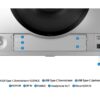
Display Port: 1 EA Display Port Version: 1.4 HDCP Version (DP): 2.2 HDMI: 1 EA HDMI Version: 2.1 HDCP Version (HDMI): 2.2 Micro HDMI: 1 Micro HDMI Version: 2.1 HDCP Version (Micro HDMI): 2.2 Headphone: Yes USB Hub: No USB-C: No USB-C Upstream Port (ONLY DATA): 1 USB Type-C Downstream Port: 2 USB Type-C Downstream Version: 3.2 Gen1
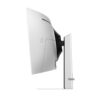
Front Colour: SILVER Rear Color: SILVER Stand Color: Silver Stand Type: HAS HAS(Height Adjustable Stand): 120.0 ± 5.0 Tilt: -2°(±2°) ~ 15°(±2°) Wall Mount: 100 x 100
Power
Power Supply: AC 100~240V Power Consumption (Max): 220 W Type: External Adaptor
Dimension
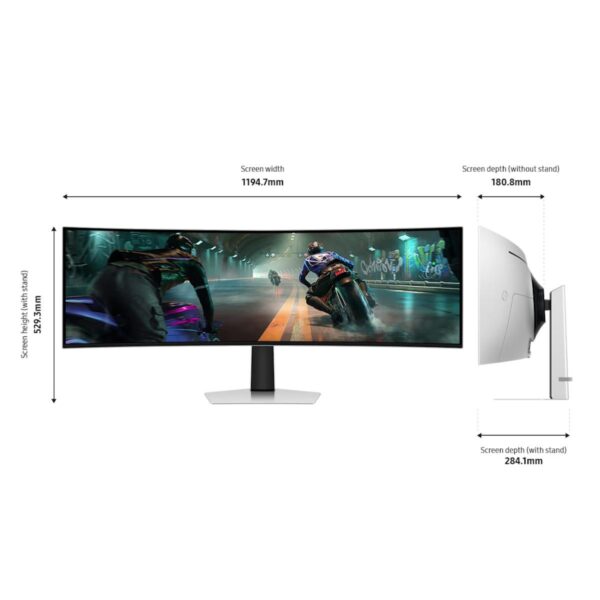
Set Dimension with Stand (WxHxD): 1194.7 x 529.3 x 284.1 mm Set Dimension without Stand (WxHxD): 1194.7 x 365 x 180.8 mm Package Dimension (WxHxD): 1352 x 240 x 474 mm
Weight
Set Weight with Stand: 12.9 kg Set Weight without Stand: 9.2 kg Package Weight: 18.5 kg
Accessory
Power Cable Length: 1.5 m DP Cable: Yes USB Type-C to Type-A Gender Cable: Yes
Weight
20.00 kg
Dimensions
145.00 × 35.00 × 57.00 cm
Reviews
There are no reviews yet.
Be the first to review “Samsung Odyssey OLED G9 LS49DG910SEXXS 49″ OLED Curved 1800R 144Hz 0.03ms D2K HDR10 Ultra-Wide Monitor (HDMI/ DP/ MicroHDMI) Free-Sync”Cancel Reply




Reviews
There are no reviews yet.