Place your order on our website. Confirm via WhatsApp for quick processing. Chat with our sales team before payment. Once processed, collect your order at A-sashi Wangsa Walk Mall.
Same Day Delivery
Contact our sales team via WhatsApp for pricing and stock availability. Provide delivery details (Klang Valley only) for fee check. Make payment via instant transfer : Maybank (5640-6143-6810). Send proof of payment, and we’ll arrange delivery via Lalamove.
STREAMLINE PRODUCTIVITY WITH HIGH-SPEED SCANNING PERFECTION
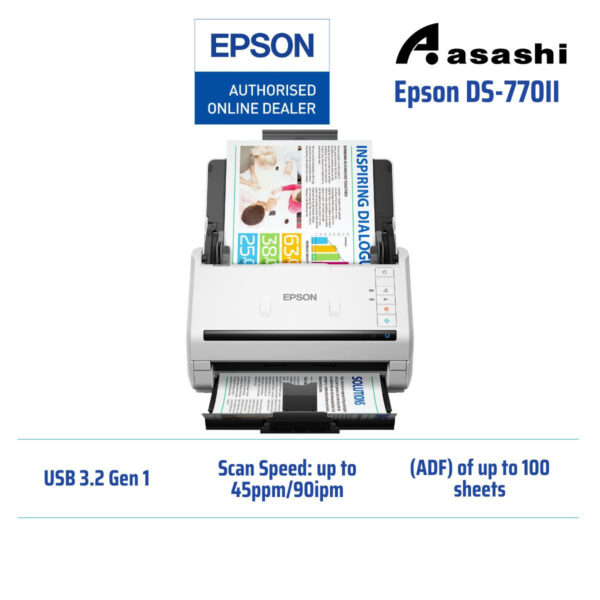
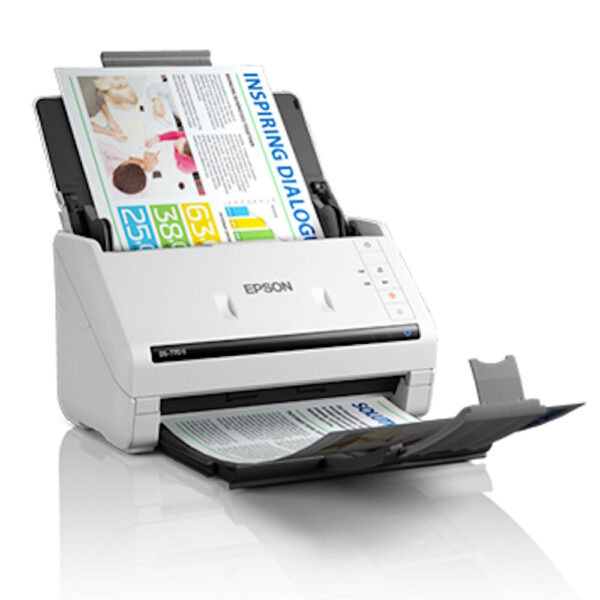
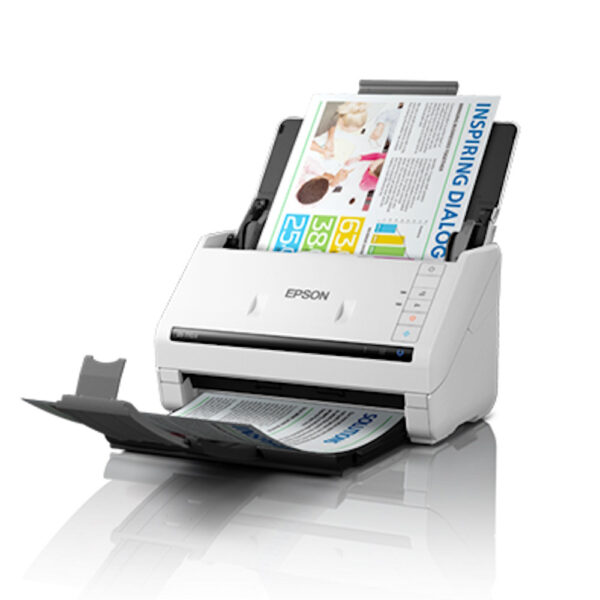
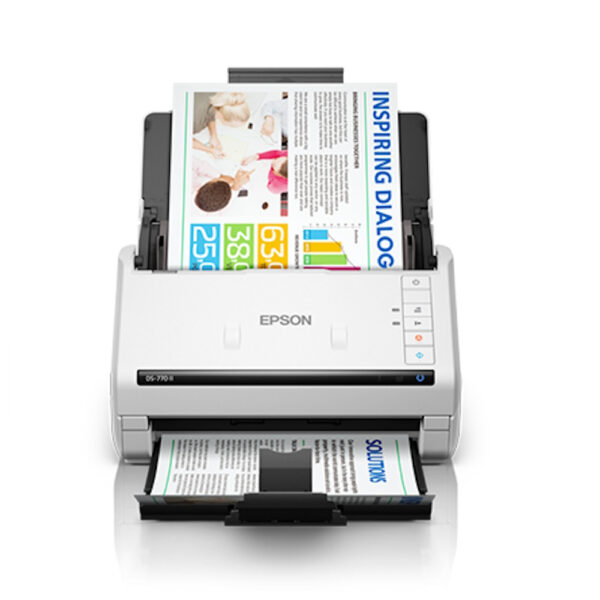
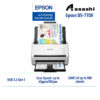
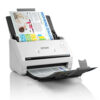
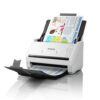
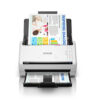
Boost efficiency and productivity with the all-purpose, high-speed Epson Workforce DS-770II scanner. Capable of scanning a myriad of media from fragile documents to plastic cards, the DS-770II also allows scanning of thick objects such as books with its flatbed option.
Scanning speed of up to 45 ppm / 90 ipm
Automatic Document Feeder (ADF) of up to 100 sheets
Daily duty cycle of 7,000 pages
One-pass duplex scanning
Paper protection function and image sensor glass dirt detection
Durable, High-speed and High-Volume Scanning
Boasting a scan speed of up to 45 ppm / 90 ipm, the DS-770II offers one-pass duplex scanning that brings added convenience in your daily use. Enhance productivity with daily duty cycle of up to 7,000 sheets per day.
Impressive Media Handling
The DS-770II can handle a wide variety of media types between 27 – 413 gsm, so you can scan anything from paper documents to plastic cards such as ID, credit and business cards efficiently and seamlessly.
Flatbed Option*
With the optional Flatbed Dock, the Epson Perfection V39 can be used together with the DS-770II to provide a flatbed option for users who need to scan thick objects such as books, or small and fragile documents that can be easily damaged such as receipts.
* Push scanning is not supported for Flatbed. For Mac, installation of the V39 scanner driver is required.
Scan Fragile and A3 Documents Easily
Scan small and fragile documents, as well as large size documents of up to A3-sized, using a carrier sheet that can be automatically detected by the DS-770II. Alternatively, you may scan fragile documents without using a carrier sheet by turning on the Slow Scan Mode.
Automatic Feeding Mode
The Automatic Feeding Mode enables large volumes of documents to be scanned continuously. In addition, this mode allows you to scan documents of different sizes at once without needing to arrange them by size and saving them as a single PDF.
Automatic Size Recognition
Place documents of different sizes into the feeding tray and the DS-770II will automatically detect and scan everything in the correct size, all in a single scan.
Paper Protection Function
Upon detection of any abnormal paper feeding or stapled/ folded paper, the DS-770II will automatically stop scanning operation to prevent damage to important documents.
Image Sensor Glass Dirt Detection
A notification will be sent upon detection of dirt in three areas before scanning. This reduces the risk of needing to re-scan due to bad image quality, improves the Scan-to workflow and increases business productivity.
Epson Scan 2
Text Enhancement
This feature helps improve text recognition when scanning documents in color, greyscale or black-and-white. If an image from the back of a thin double-sided printed original appears in the scanned image, this feature also helps remove background to make texts sharp.
Document Skew Correction
Automatically adjusts and straightens scanned images.
Colour Enhancement & Colour Dropout
Remove or enhance the visibility of ink signatures such as “Confidential” and “Urgent” stamps. Users can pick one of the preset colours (red, green, blue, pink, purple, yellow, orange, or all colours except black), or use the customised settings to dropout or enhance up to 5 colours of your choice in a single scan. Up to 10 preset colours can be saved for reuse.
PDF Features for Added Convenience
The built-in OCR (Optical Character Recognition) enables searchable PDF files. Secure your PDF files by setting a password to prevent unauthorised viewing, editing or printing.
Document Management
Document Capture Software*
Users can easily scan, view, edit, save and transfer scanned documents with Document Capture software. The software optically recognises barcodes, characters and blank pages in scanned documents to separate them into different folders. It also allows users to create up to 30 customised settings to simplify scan workflow, making multiple scan jobs a breeze. With built-in OCR capability, searchable PDF files can be created, and documents can be saved into editable Microsoft Office formats. Passwords can be assigned to protect devices and documents through the Advanced Log function.
* Limited functionality for Mac version of Document Capture software
Power:
Rated Voltage:AC 100 – 240 V
Rated Frequency:50 – 60 Hz
Power Consumption:Operating: 12W
Ready Mode: 5.4W
Sleep Mode: 1.0W
Power Off: 0.1W
Supported OS and Applications:
Supported OS:Windows XP / Vista / 7 / 8 / 8.1 / 10 / Server 2003 / Server 2008 / Server 2012 / Server 2016
Mac OS X 10.6.8 or later



Reviews
There are no reviews yet.