Place your order on our website. Confirm via WhatsApp for quick processing. Chat with our sales team before payment. Once processed, collect your order at A-sashi Wangsa Walk Mall.
Same Day Delivery
Contact our sales team via WhatsApp for pricing and stock availability. Provide delivery details (Klang Valley only) for fee check. Make payment via instant transfer : Maybank (5640-6143-6810). Send proof of payment, and we’ll arrange delivery via Lalamove.
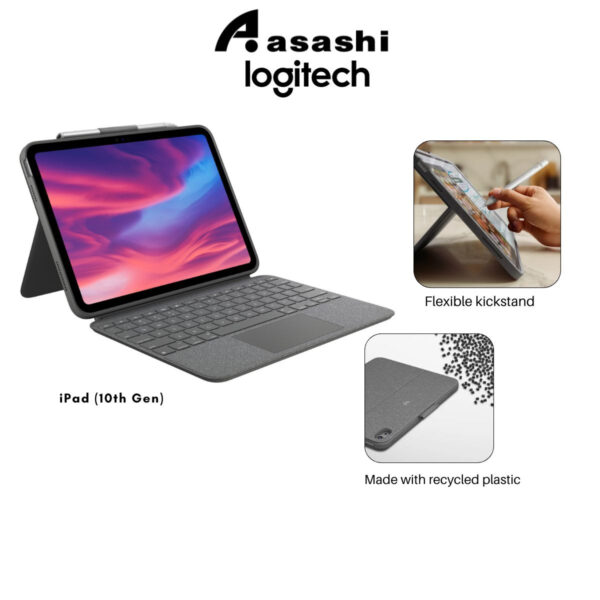
Meet the iPad keyboard case that enables whole new levels of versatility. Type, view, write & sketch, and read on iPad – all while keeping the front, back, and corners snug and protected.
Specs and Compatibility
Dimensions
Combo Touch for iPad (10th gen & A16)
Height: 190.9 mm
Width: 253.3 mm
Depth: 18.7 mm
Weight: 572 g
Combo Touch for iPad (7th, 8th & 9th gen)
Height: 195 mm
Width: 257 mm
Depth: 22.55 mm
Weight: 610 g
Technical Specifications
Modes
4 Modes : Type, View, Sketch, Read
Keyboard Type
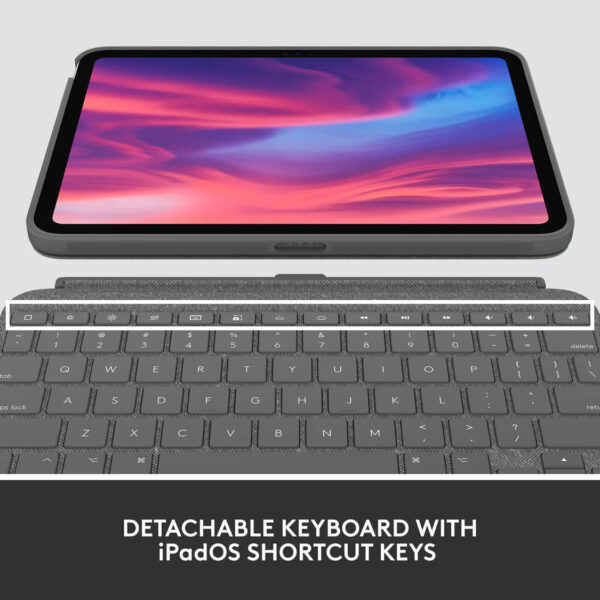
Detachable keyboard
Backlit Keys
Yes
Viewing Angles
Type Mode: 60°
Sketch Mode: 20°
Power and Connectivity
Power by iPad via Smart Connector
Case
Space to stow Logitech Crayon or Apple Pencil
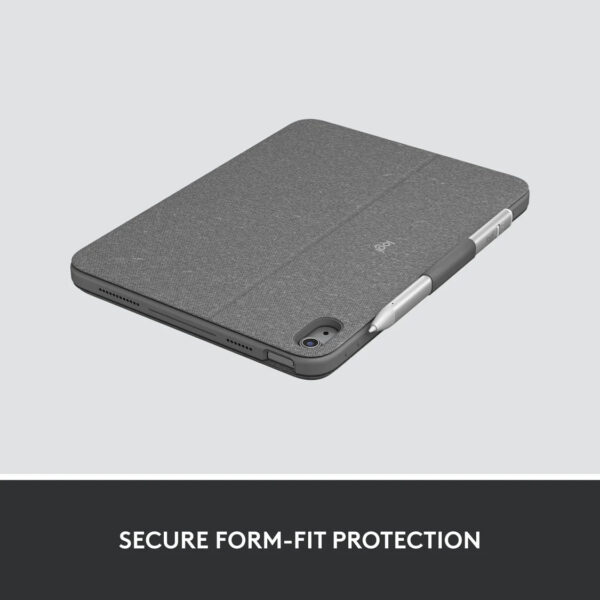
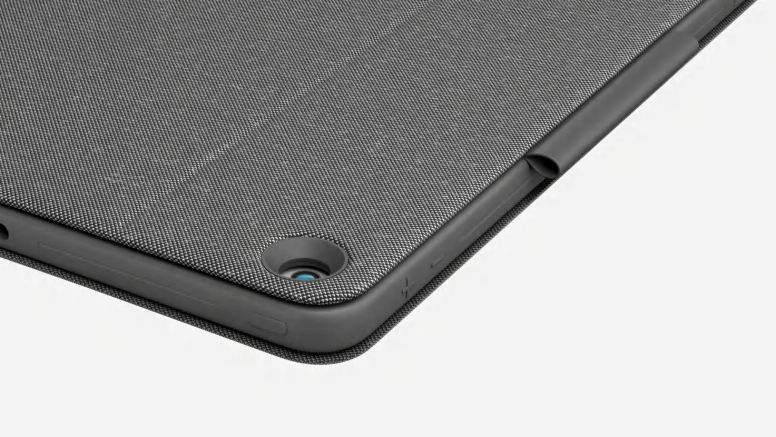
Front, back and corner protection
Access all ports: Camera / Lightning or USB-C
Keyboard
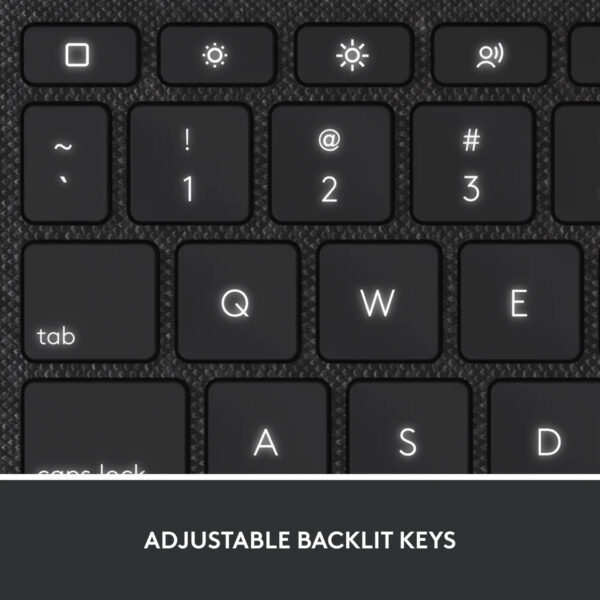
Up to 16 levels of adjustable backlighting
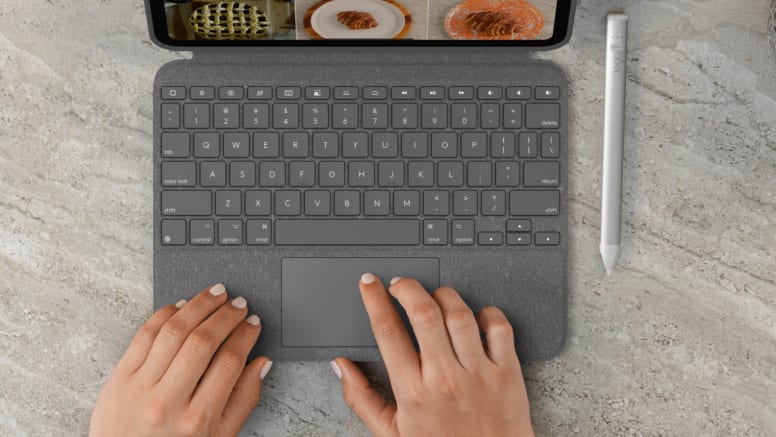
Full row of iPad OS shortcut keys
Combo Touch for iPad (7th, 8th, 9th, 10th gen & A16)
18 mm key pitch
1 mm key travel
Row of iPadOS Shortcut Keys (Left to Right)
Combo Touch for iPad (10th gen & A16)
Home
Screen brightness down
Screen brightness up
Dictation
Onscreen keyboard
Screenshot
Key brightness down
Key brightness up
Previous track
Play/pause
Next track
Volume mute
Volume down
Combo Touch for iPad (7th, 8th & 9th gen)
Home
Screen brightness up
Onscreen keyboard
Search
Key brightness down
Key brightness up
Previous track
Play/pause
Next track
Volume mute
Volume down
Volume up
Lock
Logitech Control App
For the best experience, keep your Combo Touch firmware up to date using the Logitech Control app (https://apps.apple.com/us/app/logitech-control/id1497377584).
System Requirements
iPad (7th, 8th, 9th, 10th gen & A16)
Warranty Information
1-Year Limited Hardware Warranty
Materials & Sustainability
Recycled Plastics
The plastic parts in Combo Touch for iPad include certified post-consumer recycled plastic to give a next life to plastic from old consumer electronics and help reduce our carbon footprint.
The paper packaging of Combo Touch for iPad comes from FSC™-certified forests and other controlled sources.
Key Features
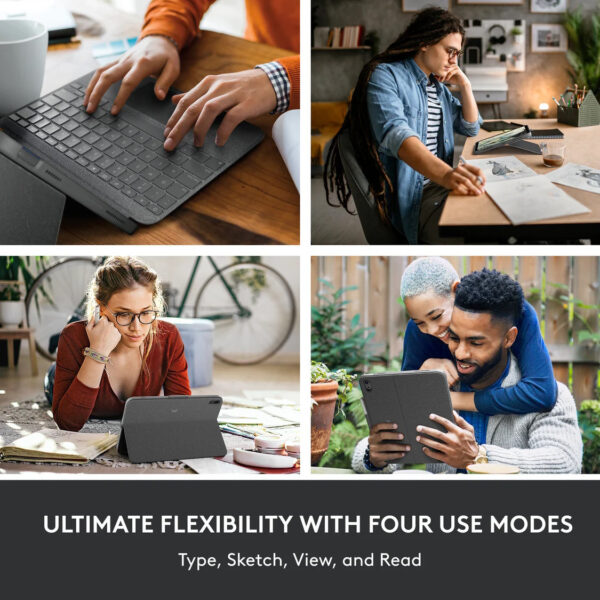
Four use modes
Combo Touch has four use modes to help you accomplish any task. Adjusting the kickstand allows you to find the perfect angle to type, sketch, view or read.
Your fingers will thank you
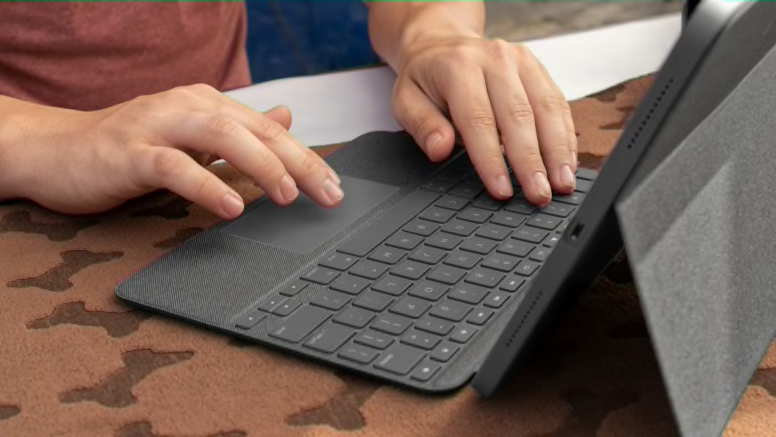
Enjoy hours of comfortable typing thanks to large, well-spaced keys stretched edge-to-edge so your hands won’t feel crowded. Logitech keyboards feature a scissor mechanism beneath each key to deliver the perfect bounce every time.
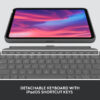
Ditch the keyboard
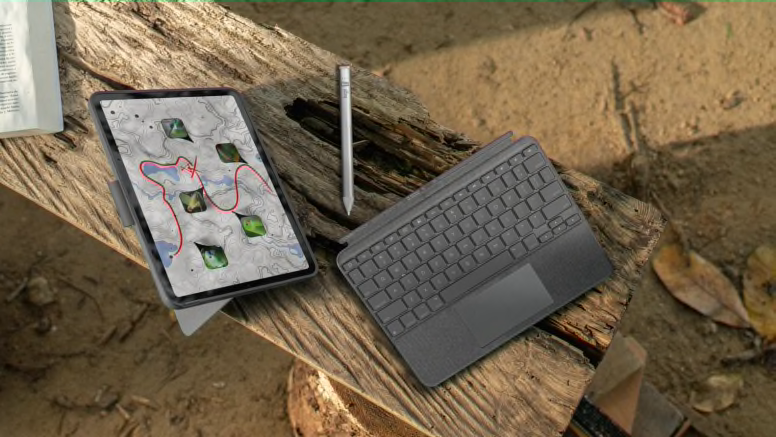
Done typing? Just detach the keyboard so you can sketch, read or watch videos without anything between you and your beautiful iPad screen.
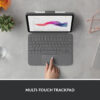
Premium trackpad experience
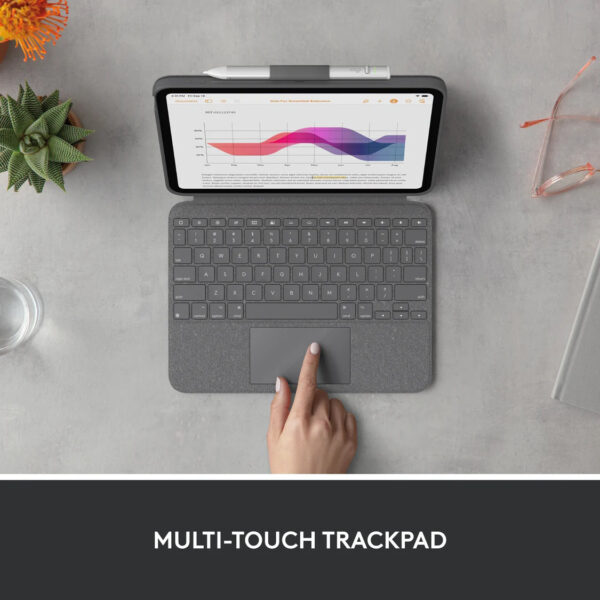
The high-precision trackpad gives you more control and more freedom to tackle the tasks you perform every day. Use all the Multi-Touch™ trackpad gestures you already know and love – swipe, tap, pinch, and scroll your way through work.
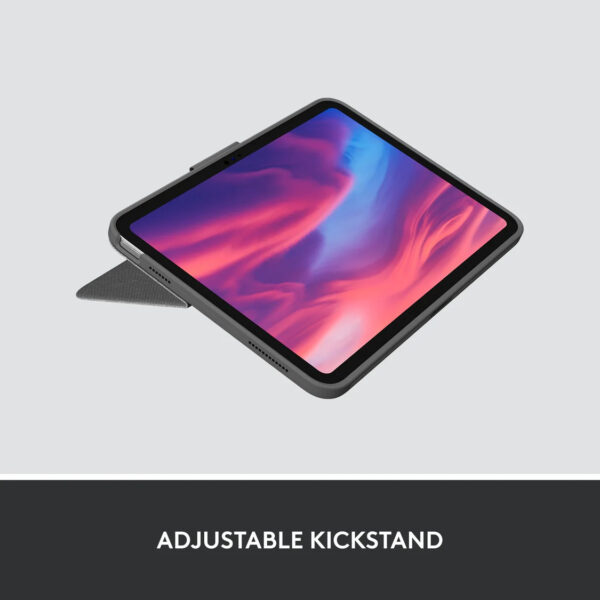
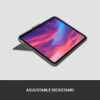
Adjustable kickstand
The ultra-flexible kickstand offers an incredible 50-degrees of tilt so you can always find the right angle for the task at hand. A sturdy mechanical hinge ensures the kickstand stays firmly in place and does not collapse, even with strong tapping.
Secure, form-fit protection
Combo Touch is designed to perfectly fit your iPad Air, protecting the front, back, and corners from scrapes and bumps. This brings a peace of mind so you can focus on what matters—getting things done, no matter where you need to do them.
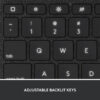
Type day or night
Backlit keys automatically adjust to your environment with 16 levels of brightness—so you can see your keys and stay focused in any lighting environment. Shortcut keys at the top of the keyboard allow you to manually adjust brightness.
Power and pair in one click
Combo Touch instantly pairs with your iPad via Smart Connector. Batteries aren’t included, because you’ll never need them—power for Combo Touch is sourced directly from your iPad.
Home for Logitech Crayon
A built-in holder for Logitech Crayon or Apple Pencil keeps your digital pencil always within reach so you can easily hand-write notes, sketch drawings, or markup documents directly on iPad.
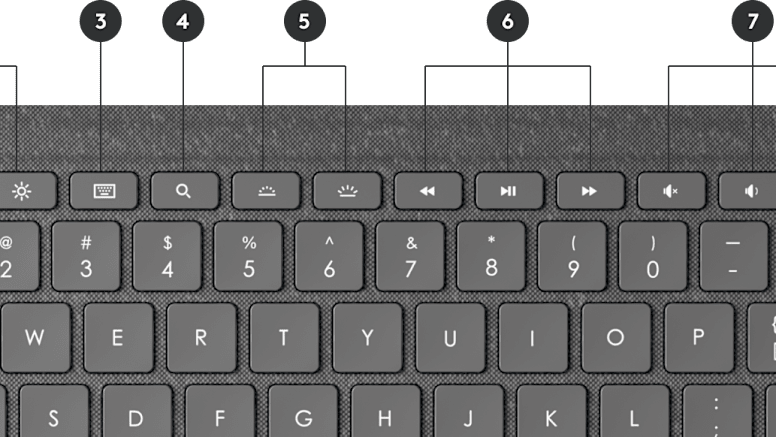
Keyboard Shortcuts iPadOS shortcut keys
Forget hunting through on-screen menus for common functions. Combo Touch gets it done with a full row of iPadOS shortcut keys. Adjust volume and media controls, key brightness levels, and more with one-tap access. iPad 10th gen & A16
1. Home: Go to home screen
2. Screen Brightness: Adjust brightness up or down
3. Dictation: Access voice-to-text features
4. Virtual Keyboard: Shows/hides the onscreen keyboard
5. Screenshot: Take photo of current screen
6. Key Brightness: Adjust key backlighting up or down
7. Media Controls: Back, play/pause, forward
8. Volume Controls: Mute, volume up, volume down
iPad (7th, 8th & 9th gen)
1. Home: Go to home screen
2. Screen Brightness: Adjust brightness up or down
3. Virtual Keyboard: Shows/hides the onscreen keyboard
4. Search: Brings up iPadOS search field
5. Key Brightness: Adjust key backlighting up or down
6. Media Controls: Back, play/pause, forward
7. Volume Controls: Mute, volume up, volume down
8. Screen On/Off: Locks iPad screen
Weight
0.60 kg
Dimensions
27.00 × 21.00 × 5.00 cm
Reviews
There are no reviews yet.
Be the first to review “Logitech Combo Touch for iPad (10th Gen) 920-011434”Cancel Reply








Reviews
There are no reviews yet.