Place your order on our website. Confirm via WhatsApp for quick processing. Chat with our sales team before payment. Once processed, collect your order at A-sashi Wangsa Walk Mall.
Same Day Delivery
Contact our sales team via WhatsApp for pricing and stock availability. Provide delivery details (Klang Valley only) for fee check. Make payment via instant transfer : Maybank (5640-6143-6810). Send proof of payment, and we’ll arrange delivery via Lalamove.
Whether you're looking for answers to complex questions, learn a new language, or prep for an interview —just ask and Copilot responds with smooth, natural-like voice-based answers. Enjoy effortless handsfree conversation right on your monitor.
* The recommended content by Copilot may require a separate purchase or subscription on the platform hosting the content.
* It may require a Microsoft account log in and agreement to use the Copilot service.
* Some Features and language availability may differ based on geographic location and launch timing.
* Specifications of remote control may vary by region.
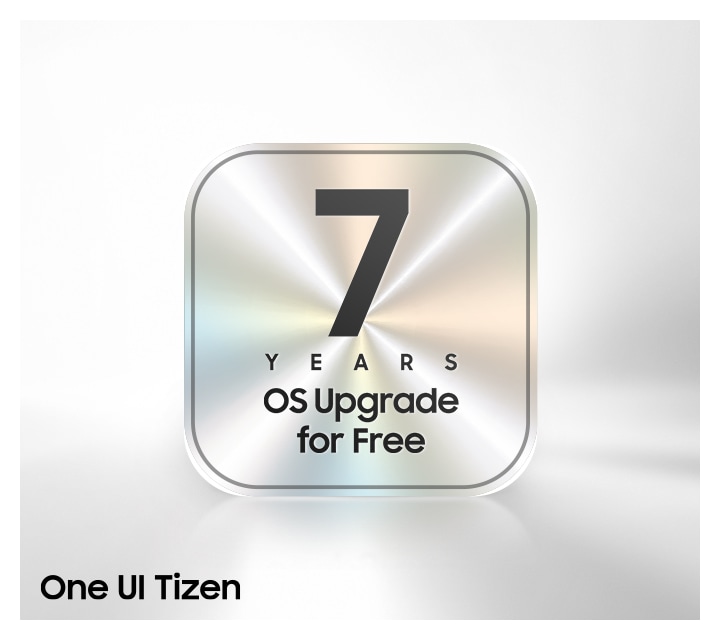
Enjoy 7 years of Monitor upgrades for free
One UI Tizen
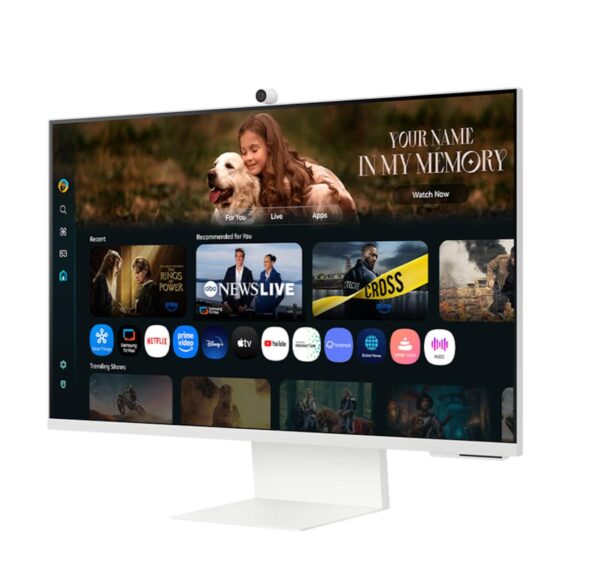
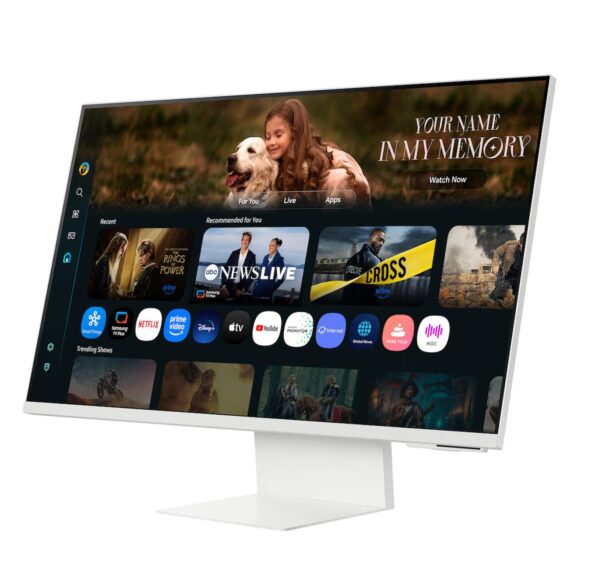
One UI Tizen is your personalized and enhanced screen experience, powered by Samsung Tizen OS. With One UI Tizen, you can take advantage of the latest and innovative Samsung features. One UI Tizen will also support Tizen OS upgrades for up to the next seven years.
* Content and services may vary by region and are subject to change without notice. * Agreement to Smart Hub Terms and Conditions and Privacy Policy is required before use. * Some content and services require registration and subscription. * Requires Samsung account. * Tizen OS upgrades will be supported for up to 7 years starting from 2025, for products released in the year 2025. * Please note that the upgrade does not cover hardware-related performance, features or durability.
AI-Powered Picture and Sound
Upscale your streaming content with AI
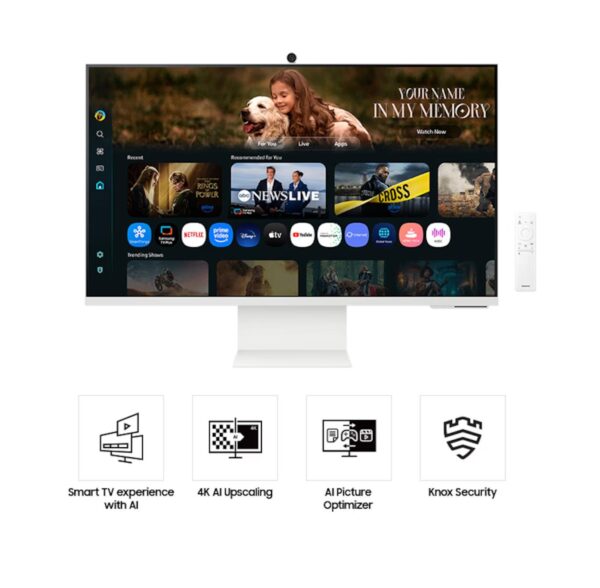
4K AI Upscaling
Unlock the full potential of a 4K screen when streaming content directly on your monitor. Powered by the NQM AI Processor, AI upscaling turns lower resolution content up to nearly 4K, transforming entertainment with new levels of definition.
There is a video in low resolution. The NQM AI Processor appears and analyzes the contents. Then, the overall resolution is enhanced. Lastly, the scene is zoomed out showing the monitor with the video and its remote controller.
* Viewing experience may vary according to types of content and format.* Upscaling may not apply to PC connection and Game Mode.* Screen images simulated for illustrative purposes.
Optimally tailored visuals with AI
AI Picture Optimizer
Experience optimal picture quality adjusted to your needs. AI Picture Optimizer adapts the visuals to help you work on documents with comfort, get fully immersed in games with deep, rich blacks and watch videos in vibrant colors.
* Only available when using a PC connection.* The supported image quality may differ based on the type of content detected by the function.
Feel the big match with AI
AI Football Mode
Follow player and ball movement with stunning clarity. Feel the crowd's energy, the intensity of the game, and the thrill of every goal. With AI Football Mode, experience a stadium-like atmosphere. Enjoy the match on your smart monitor, where picture and sound blend seamlessly.
* Feature availability and performance may vary by the content you're watching or the application in use. * Screen images simulated for illustrative purposes.
Hear every word clearly with AI
Active Voice Amplifier Pro
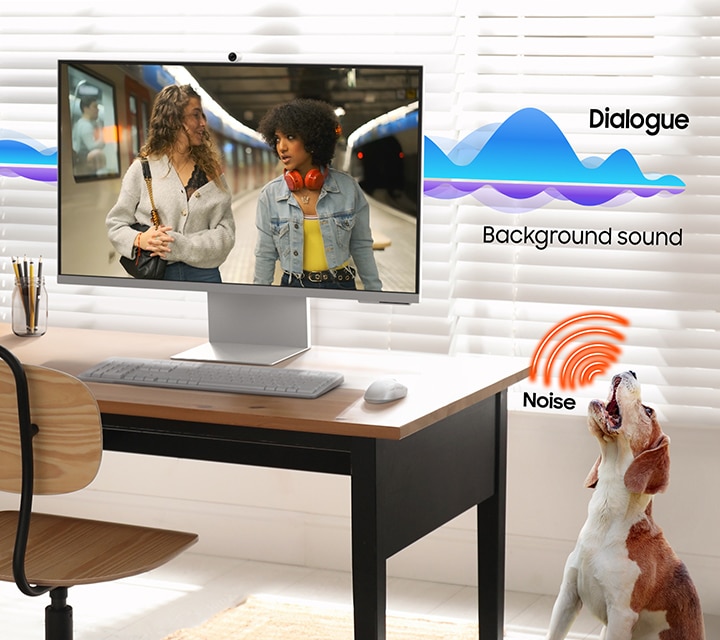
Enjoy an unparalleled audio experience with AI technology. Active Voice Amplifier Pro uses advanced audio processing to analyze voices and background sounds in your content and ambient noises around the monitor — delivering every word with crystal clarity.
* Screen images simulated for illustrative purposes.
Safe and Easy Connections
Simple control for your smart home
SmartThings
See your smart home devices in a 3D Map View and manage them with ease. You can also check the energy usage and cost by device, and save money by putting them in energy-saving modes. Simply tap into the all-in-one IoT hub using your mobile phone or voice command — without pausing shows.
* Technology, functions and features may vary by country, service provider, network environment or product, and are subject to change without notice.* Requires Wi-Fi, Bluetooth or other wireless network connection, and devices registered to the SmartThings app.* Connected devices are sold separately. For a full compatible device list, please check https://www.smartthings.com/products.
Your privacy. Secured on Samsung monitors.
Knox Security
Keep your monitor data safe and confidential with Samsung Knox. Its robust, multi-layered security and tightly controlled access also enhance the security of your IoT connections made through your Smart Monitor. Plus, your Smart Monitor comes with Knox Vault — a built-in hardware chip designed to safeguard sensitive information from physical attacks — adding an extra layer of protection for peace of mind.
* Samsung Knox safeguards the Smart Monitor and its IoT connections via the SmartThings app. It does not provide direct protection against hacking or physical attacks on IoT devices.* Security software updates are guaranteed for at least five years from product launch. Latest software update is required.
Faster, easier access to your work tools
Workspace
Access and control your PC remotely, or work directly on the monitor. Built-in apps like Microsoft 365 let you bypass the PC for a simpler, more streamlined work experience. Plus, with Multi View you can see apps side-by-side and take your productivity to new levels.
* On-screen content simulated for illustrative purposes.* Microsoft 365 requires Microsoft account. Some features of Microsoft 365 require subscription.* Windows 10 Pro, Mac OS 10.5 or higher, and compatible network settings are required for this feature.
Expand your workflow with seamless control
Multi Control
Take multitasking and productivity to the next level. Seamlessly drag and drop documents and images across multiple Samsung devices onto your Smart Monitor for a clearer view and larger workspace — all with a single mouse and keyboard.
* Each device must be registered with a single Samsung Account and connected to the same Wi-Fi network.* Multi control requires updated Galaxy phones and tablets with One UI 5.1.1 or above and Galaxy Book series devices released in 2021 or later with Samsung Settings v1.5(Intel) or Samsung Settings v3.3(ARM).* Some functions(such as Copy & Paste or Drag & Drop) may not be available when using certain device models and apps.* Feature availability may vary by region(e.g. not provided in People’s Republic of China).* Screen images simulated for illustrative purpose.
Content on the big screen made easy
AirPlay
Wirelessly connect Apple devices to your Smart Monitor and view content on a bigger screen. With AirPlay integration, you can easily enjoy media or mirror apps, documents and websites from an iPhone, iPad or Mac.
* AirPlay or mobile mirroring requires iOS 12.3 or later, or macOS 10.14.5 or later, or Android OS 8.0 or later.* This function may not be supported depending on the model or geographical area.
Specifications
Overview
Aspect Ratio: 16:9
Brightness (Typical): 400 cd/㎡
Contrast Ratio Static: 3,000:1 (Static)
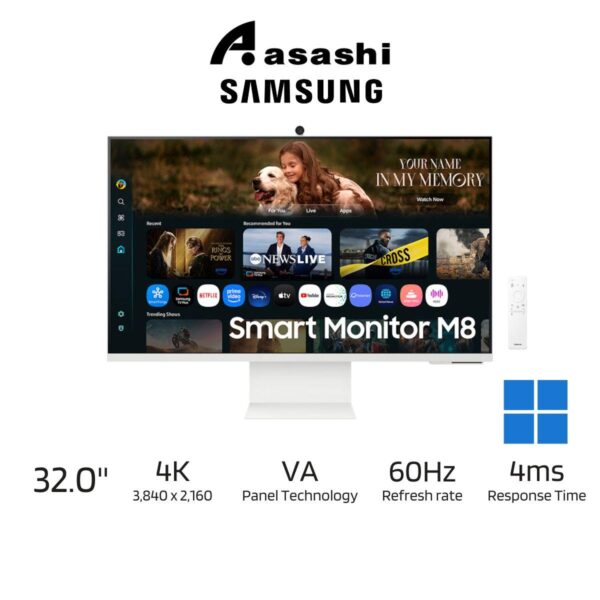
Resolution: 4K (3,840 x 2,160)
Response Time: 4ms (GTG)
Viewing Angle (H/V): 178/178
Refresh Rate: Max 60Hz
Display
Screen Size (Class): 32
Flat / Curved: Flat
Active Display Size (HxV) (mm): 697.306 x 392.234 mm
Aspect Ratio: 16:9
Panel Type: VA
Brightness (Typical): 400 cd/㎡
Brightness (Min): 300 cd/㎡
Contrast Ratio Static: 3,000:1 (Static)
HDR (High Dynamic Range): HDR10
HDR10+: Certified (HDR10+)
Resolution: 4K (3,840 x 2,160)
Response Time: 4ms (GTG)
Viewing Angle (H/V): 178/178
Color Support: Max 1B
sRGB Coverage: 99% (CIE1931)
Refresh Rate: Max 60Hz
General Feature
Eye Saver Mode: Yes
Flicker Free: Yes
Image Size: Yes
Windows Certification: Windows 11
Virtual AIM Point: Yes
Game Bar 2.0: Yes
Gaming Hub: Yes (KR, US, CA, BR, GB, FR, DE, IT, ES, MX, AU)
HDMI-CEC: Yes
Auto Source Switch: Auto Source Switch+
Adaptive Picture: Yes
Ultrawide Game View: Yes
Smart Service
Smart Type: Smart
Operating System: Tizen™
Bixby: Yes
Far-Field Voice Interaction: Yes
TV Plus: Yes (AU, NZ, PH, SG, TH Only)
Alexa Built-in: Alexa (AU, NZ Only)
SmartThings Hub: Yes
Multi Device Experience: Mobile to Screen, Screen initiate mirroring, Sound Mirroring, Wireless On, Tap View
ScveenVitals: Yes (AU, NZ, VN Only)
Multi View: Up to 2 videos
Smart Calibration: Basic
Knox Vault: Yes
Remote Access: Yes
Interface
Wireless Display: Yes
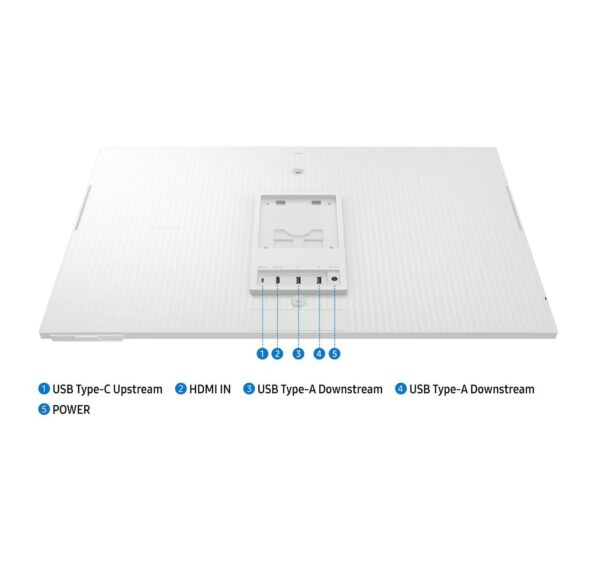
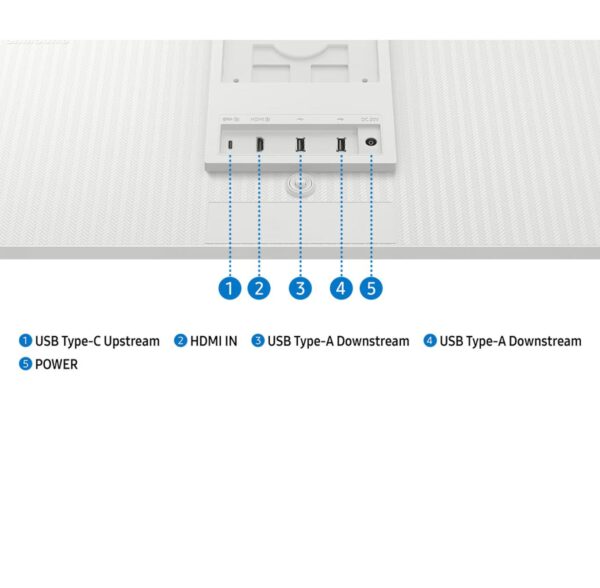
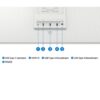
HDMI: 1 EA
HDMI Version: 2.0
HDCP Version (HDMI): 2.2
USB Hub: 2
USB Hub Version: 2.0
USB-C: 1 EA
USB-C Charging Power: 65W
HDCP Version (USB-C): 2.2
Wireless LAN Built-in: Yes (Wi-Fi 5)
Bluetooth: Yes (5.2)
Audio
Speaker: Yes
Speaker Output: 10W
Adaptive Sound: Adaptive Sound Pro
Operation Conditions
Temperature: 10℃ ~ 40℃
Humidity: 10% ~ 80% (non-condensing)
Calibration
Factory Tunning: Yes
Design
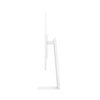
Front Colour: WARM WHITE
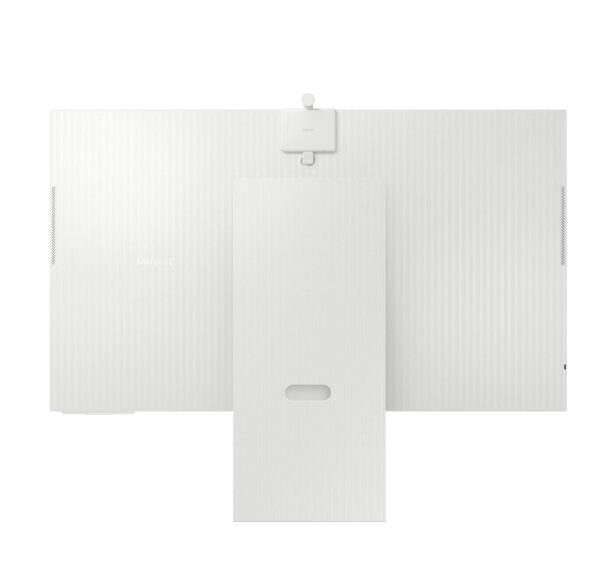
Rear Color: WARM WHITE
Stand Color: Warm White
Stand Type: HAS PIVOT
HAS (Height Adjustable Stand): 120.0 ± 5.0
Tilt: -2.0˚ (±2.0˚) ~ 15.0˚ (±2.0˚)
Pivot: -92.0˚ (±2.0˚) ~ 92.0˚ (±2.0˚)
Wall Mount: 100 x 100
Power
Power Supply: AC 100 ~ 240V
Power Consumption (Max): 140 W
Type: External Adaptor
Dimension
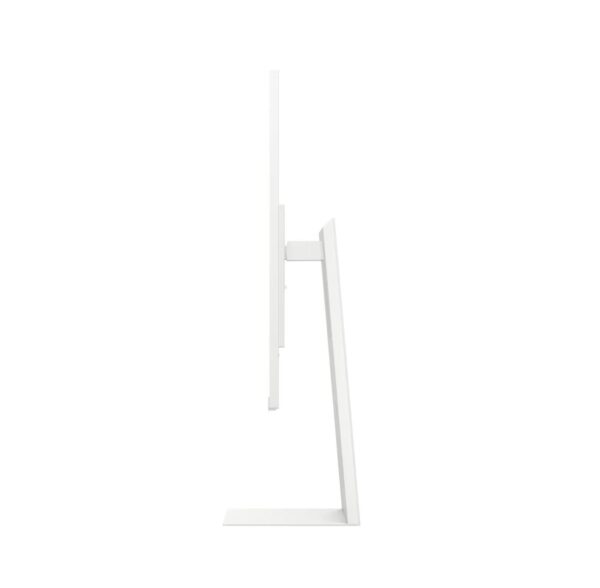
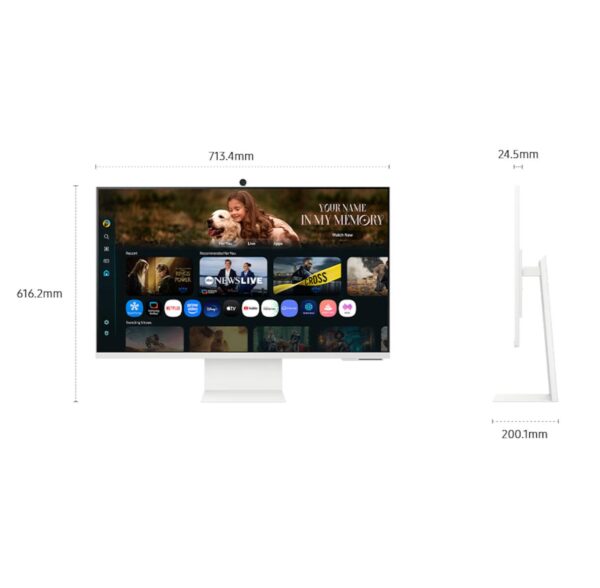
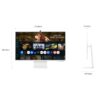
Set Dimension with Stand (WxHxD): 713.4 x 616.2 x 200.1 mm
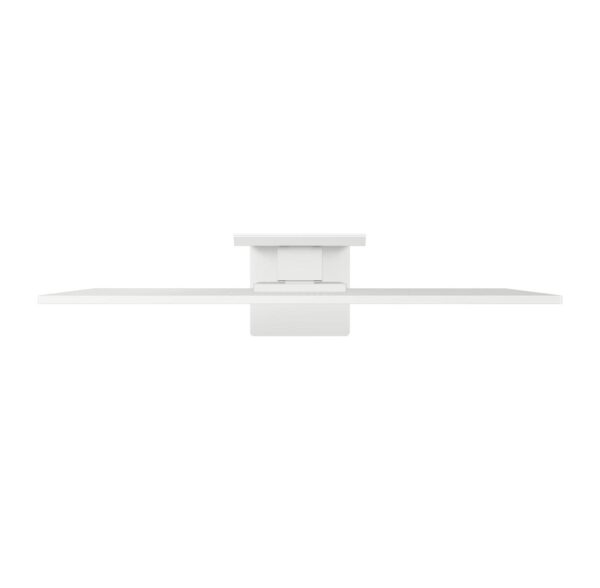
Set Dimension without Stand (WxHxD): 713.4 x 423.8 x 24.5 mm
Package Dimension (WxHxD): 909 x 122 x 483 mm
Weight
Set Weight with Stand: 7.0 kg
Set Weight without Stand: 4.0 kg
Package Weight: 10.5 kg
Accessory
Power Cable Length: 1.5 m
HDMI Cable: Yes
USB Type-C Cable: Yes
Remote Controller: Yes
Camera: Yes
Pogo Gender: Yes
Weight
12.00 kg
Dimensions
100.00 × 20.00 × 55.00 cm
Reviews
There are no reviews yet.
Be the first to review “Samsung M8 LS32FM803UEXXS 32″ VA 60Hz 4ms 4K HDR10 Smart Monitor (HDMIx2/ USB/ Type-C) TizenOS WIFI+BT Build-in SPK”Cancel Reply








Reviews
There are no reviews yet.